
Go to the LogPoint login page.
Log in using your preferred authentication option. After the successful login, the Duo Authentication panel opens.
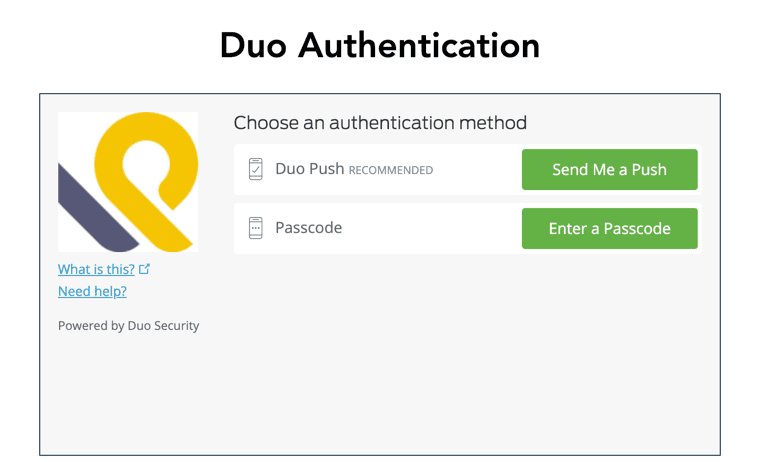
Duo Authentication Panel
Select an authentication method.
3.1 Select the Send Me a Push option if you are using the Duo Mobile application. Duo Security sends you a push notification in your mobile application.
3.2 Select the Enter a Passcode option if you want to generate an OTP on your mobile phone. Click Text me new codes to receive an OTP from Duo Security.
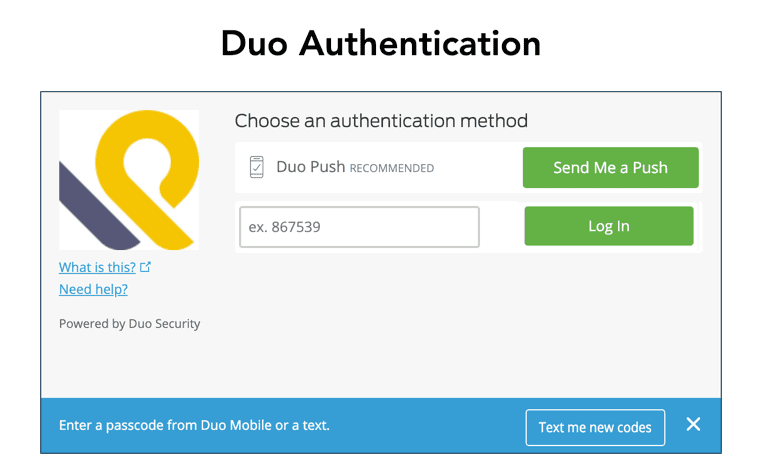
Duo Authentication Panel
Enter the OTP you received from Duo Security via text message as the passcode.
Click Log In.